DIGITAL SIGNAGE SOLUTIONS
Turn Your Screens Into Business Tools
Engage your customers, promote your products, and manage all your displays from one powerful platform.
Works in a web browser. Whether a screen can run it depends on the model, so check with us before you buy one. Installation, hardware and content design are separate from platform access and are quoted separately. Samsung and dedicated player apps are planned, not available yet.
30-day free trial. It starts when you activate your first screen. No card is needed. If you do not subscribe when it ends, your screens pause and nothing is deleted. How the trial works · See how it works
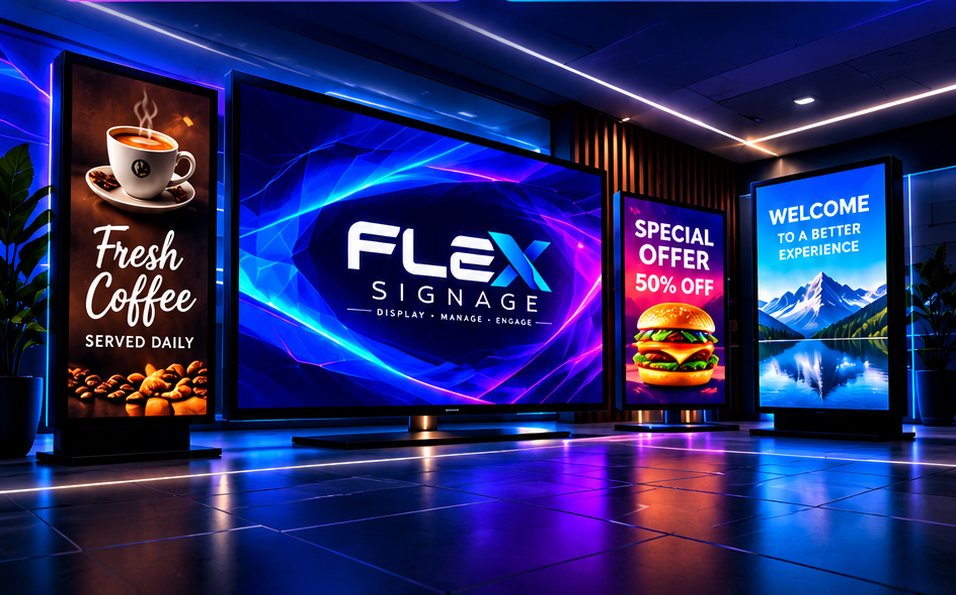
Live updatesChanges reach screens in seconds
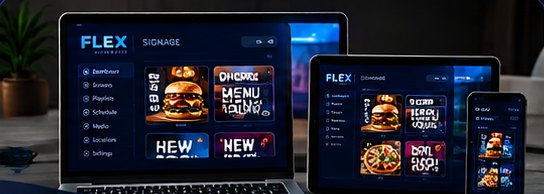
Browser-basedRuns on screens with a modern web browser
Your own loginA private portal for every business
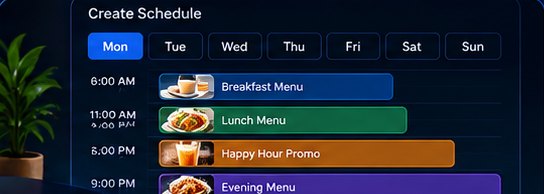
SchedulingBy day, time and date range
SecureEncrypted sign-in, private files
PORTAL PREVIEW
See what you manage
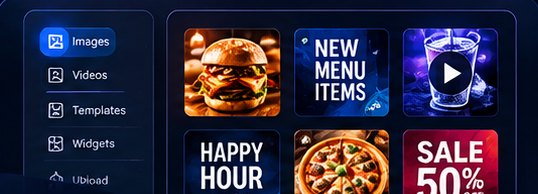
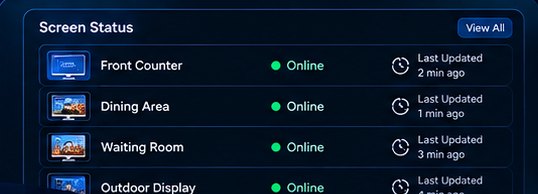
Screenshots of the real portal, filled with example data for a sample café. They are not a customer's account and the numbers are not real results.
Want to see it live? Request the trial and we will set up an account for you.
MAIN BENEFITS
Everything you need to run your displays
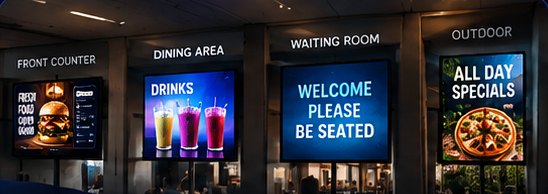
Menus, promotions, announcements and more: one simple system from your first screen to a full rollout.
HOW IT WORKS
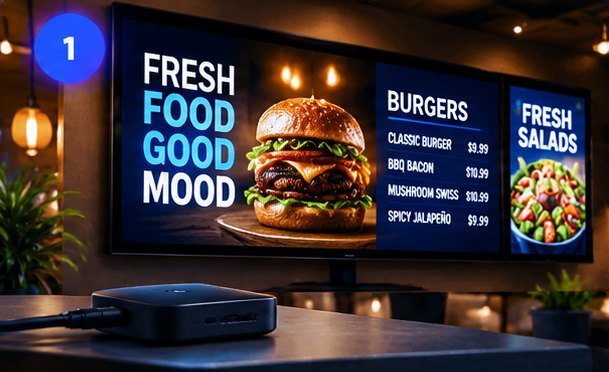
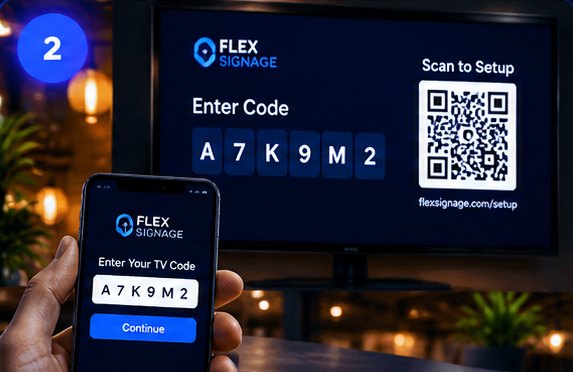
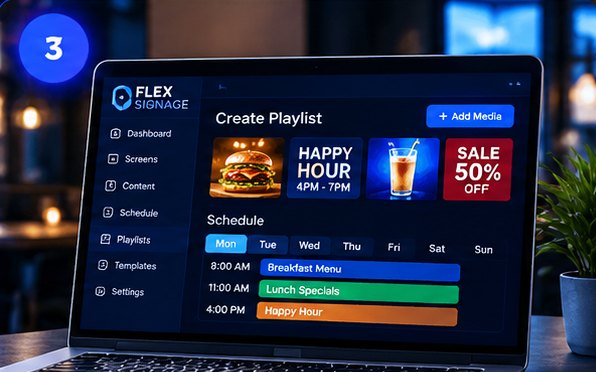
Up and running in three steps
No cables to a back room, no software to install on your computer.
SIMPLE, PER-SCREEN PRICING
One platform. Every screen.
Start at $19/month. Volume discounts as you grow.
Each rate applies only to screens within its band.
30-day free trial · No card required
START HERE
First screen
$19/mo
Your first connected display.
Screens 2–5
$15/screen/mo
For screens in this band.
Screens 6–10
$12/screen/mo
For screens in this band.
Screens 11–20
$10/screen/mo
For screens in this band.
3 screens$49/mo
7 screens$103/mo
20 screens$239/mo
Calculate my price
See what is included
Hardware, installation and content design are quoted separately.
INDUSTRIES
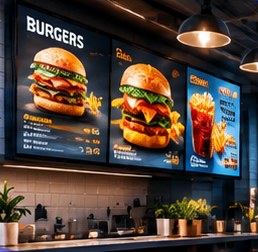
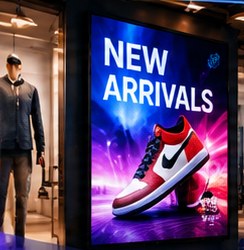
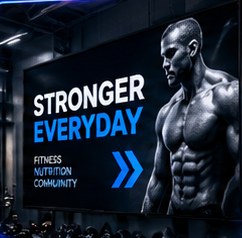
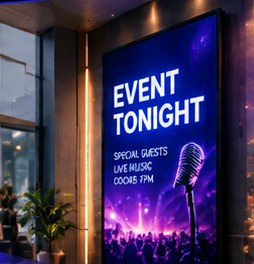
Made for businesses with a screen on the wall
If customers look at a display in your space, we can put it to work. It runs on displays that have a modern web browser, and we confirm compatibility with you first. A dedicated Samsung TV app is planned, not available yet.



FAQ
Questions
Quick answers. Ask us anything else in the form below.
How does the 30-day free trial work?
Every new customer gets one free trial of 30 days. It starts when you activate your first screen, not when you sign up, and no card is needed. During the trial you can try the platform and you will see the time left. There is no permanent free plan or free screen.
What happens when the trial ends?
If you do not subscribe, your screens pause and show a message instead of your content. Your files, playlists and settings are not deleted, and your screens start again as soon as you subscribe. A trial cannot be repeated on the same account.
How do I start the trial?
Request it with the form below. We create your private portal login and contact you using the email or phone number you give. You then connect your first screen with the code it shows, and the 30 days start from that moment. Sign-up is not instant: an account has to be set up by us first.
What does the subscription include?
Platform access: your private portal, image and video uploads, playlists, scheduling, live screen status and uptime, several locations, an activity log for owners and managers, and team logins with manager, editor, installer and viewer roles. Each account has 5 GB of file storage, shared by all of its screens. Hardware, installation and content design are not part of the monthly price and are quoted separately.
Do I need special equipment?
A screen needs a modern web browser, an internet connection and a way to open the player page full screen. Compatibility depends on the model and its browser, so please check with us before you buy anything. Screens without a suitable browser can use a streaming stick or mini PC, which we can quote. The player has been tested in desktop browsers; we do not yet publish a list of tested TV models.
Can my staff have their own logins?
Yes. The account owner can add team members as a manager, an editor, an installer or a viewer. Editors work on content, installers set up that business's screens and can add files and playlists (but not delete anything), viewers can only look, and managers can also manage screens and the team. Every login can add authenticator-app two-step sign-in.
Can I change what's on screen from my phone?
Yes. Sign in to your portal from any device, upload or reorder content, and the screen updates within seconds.
Can different screens show different things?
Yes — every screen has its own playlist and schedule.
What file types can I show?
JPG, PNG, GIF and WebP images, plus MP4 and WebM video.
What happens if the internet drops?
If a screen is already playing, it keeps going through a short outage, using files the browser has already stored (the browser decides what it keeps, so this is not guaranteed, especially for large videos). It reconnects by itself when the internet returns. If the page is reloaded or the device restarts while offline, the screen cannot start until the internet is back. Dedicated players with full offline storage are planned, not available yet.
Is there sound, and what are the player requirements?
Videos play without sound. The screen needs JavaScript, a browser that allows videos to start by themselves and full-screen display, and the device must be kept awake. After a restart, the player page has to be opened again unless the device is set up to open it automatically.
CONTACT
Request your 30-day trial or a free quote
Tell us about your business and how many screens you have in mind.
- You send the form. No card or payment details are asked for.
- We set up your account. We create your private portal login and contact you with it using the email or phone number you gave.
- You connect a screen. The 30-day trial starts when your first screen is activated.
Need installation, hardware or a larger project? Choose a quote and tell us what you need.
Already a customer? Sign in to your portal.